Clean and optimize
Remove repeated headers, footers, and page numbers.
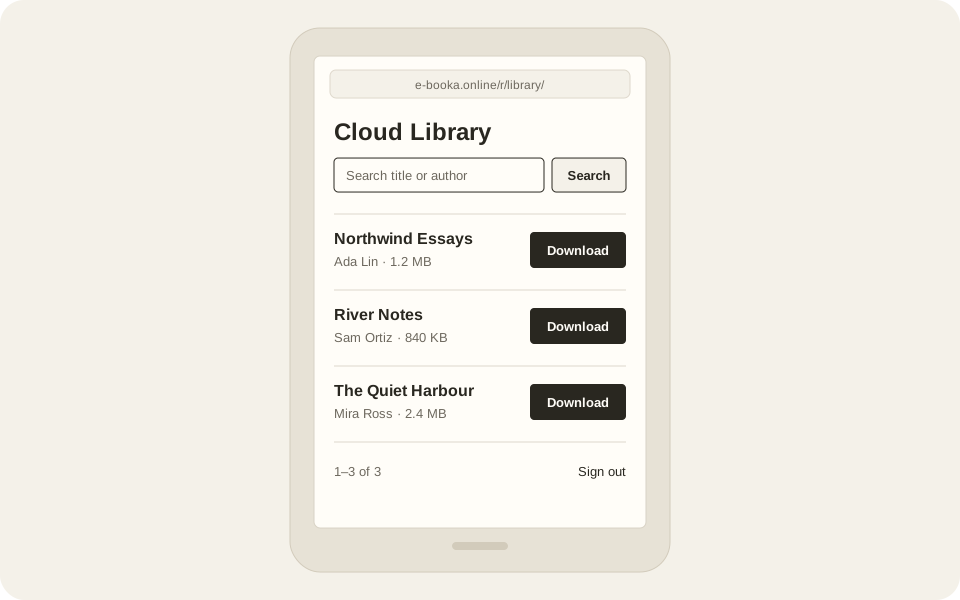
Using an e-reader? Open the simple Cloud Library
Skip to contentConvert PDF, DOCX, and Markdown, or open an existing EPUB. Edit locally for free. Save ongoing projects with Library, or add publishing checks with Publisher.
E-BOOKA is a free, browser-based EPUB editor and converter. It opens EPUB, PDF, DOCX, and Markdown files, edits chapters, metadata, and covers, and exports EPUB 3 without uploading anything — conversion and editing run on your own device. Optional paid plans let you save projects, continue across devices, and check EPUBs before publishing.
Remove repeated headers, footers, and page numbers.
Detect chapters and build a TOC you can review.
Edit title, author, ISBN, and cover.
Core conversion and editing run in your browser without an account.
EPUB, PDF, Markdown, or Word. Everything runs in your browser.
Chapters, metadata, cover, find & replace.
Export a clean EPUB draft to review in popular readers.
Save your book in Cloud Library and continue editing on another device. Publisher adds publishing checks and reports.
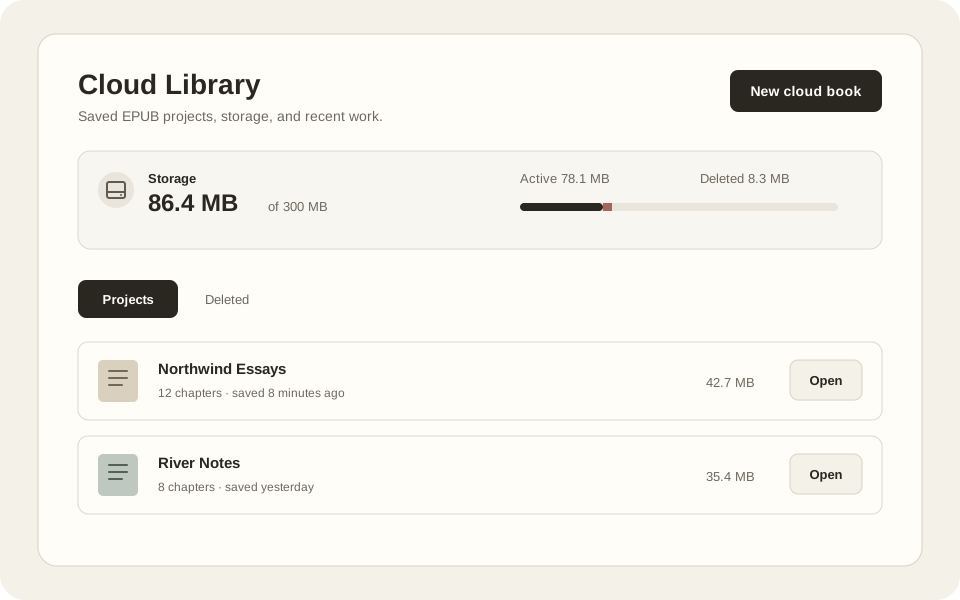
Sign in on your e-reader's browser and download your saved books. Included with Library and Publisher.
Convert, edit, and export locally without an account. Add saved projects and publisher workflows only when they help.
Open EPUB editor